Get a feel for Square before you sign up.

Book a demo with Vinny Pellegrini, the Square specialist at Vivid Commerce. He shows you the hardware, explains how pricing works and answers your questions, so you know exactly what you are signing up for.

The demo is free and there is nothing to sign. Vinny replies within one business day.

Official Square PartnerInc. 5000 honoreeUnited States and Canada

For resellers
Vinny Pellegrini
Your demo with VinnyAccount Executive, Vivid Commerce
  1. The hardware that fits your counter
  2. How pricing works for your business
  3. What setup and training look like
  4. Anything else you want to ask

One system for the counter, the floor and the back office.

Square is a point of sale and payments system in one. You ring up sales, take cards and run the day from the same place, on hardware your customers already recognize.

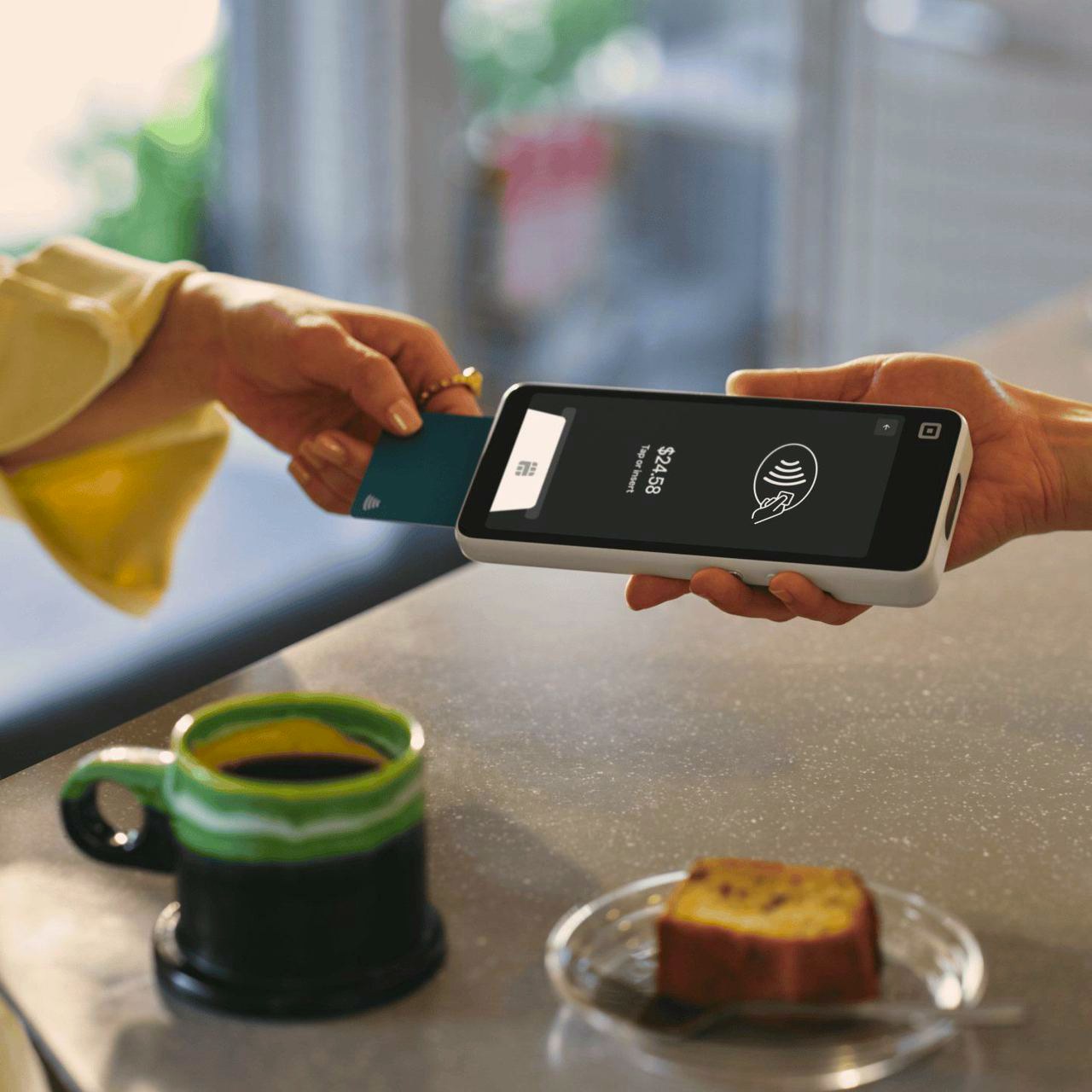
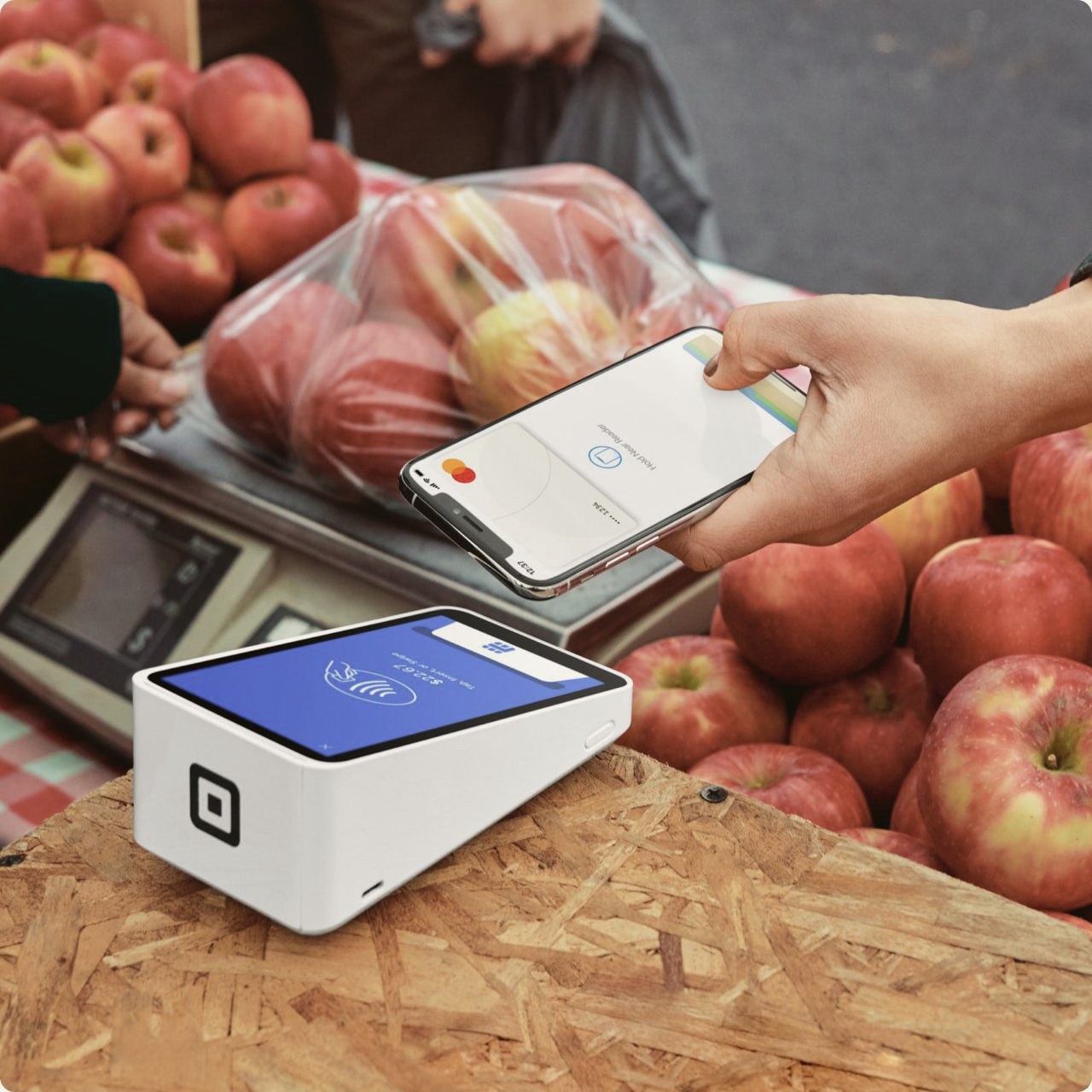
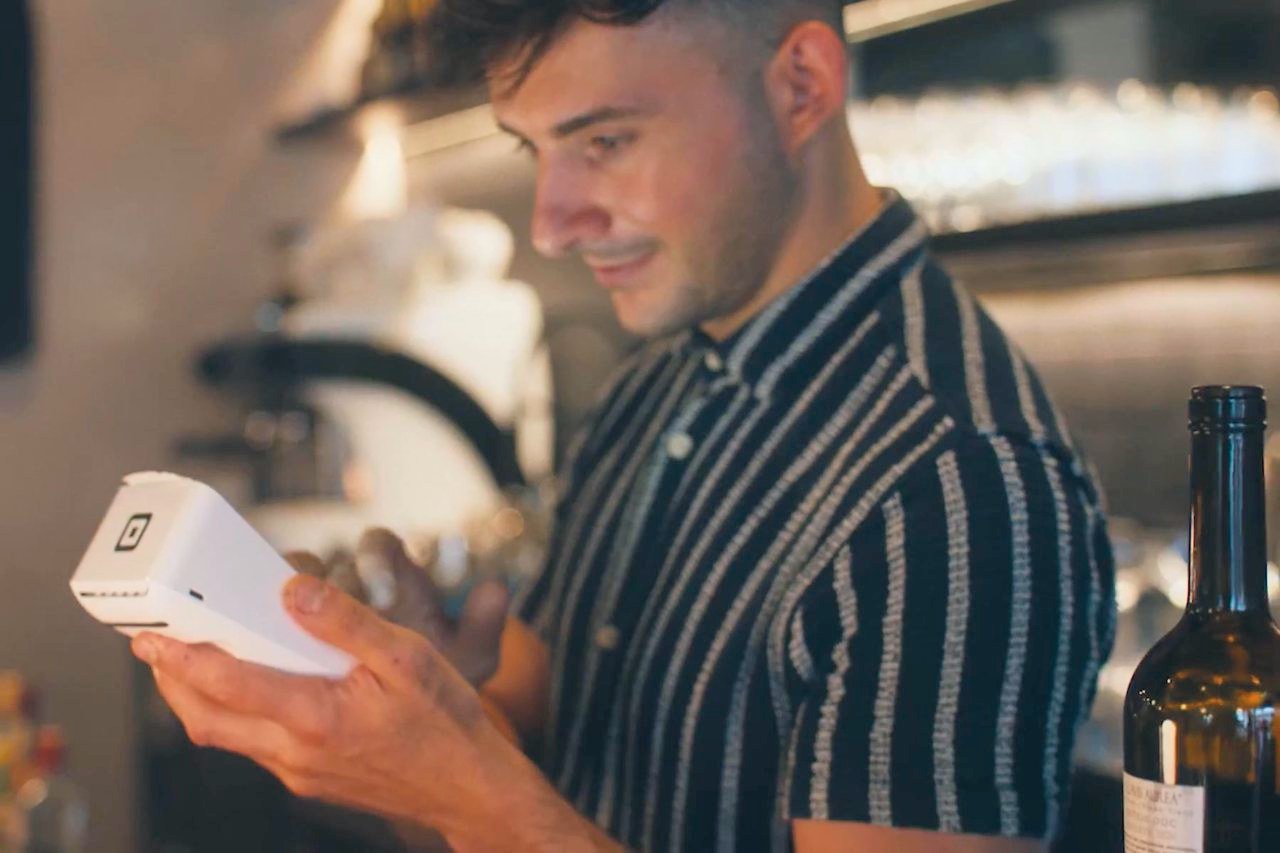
A customer tapping a card on a Square Handheld at a coffee bar
The big one

Take payments anywhere in your business

Tap, chip and phone wallets at the counter, at the table or out on the sales floor. The Square Handheld fits in a pocket, so the checkout goes to the customer instead of the other way around.
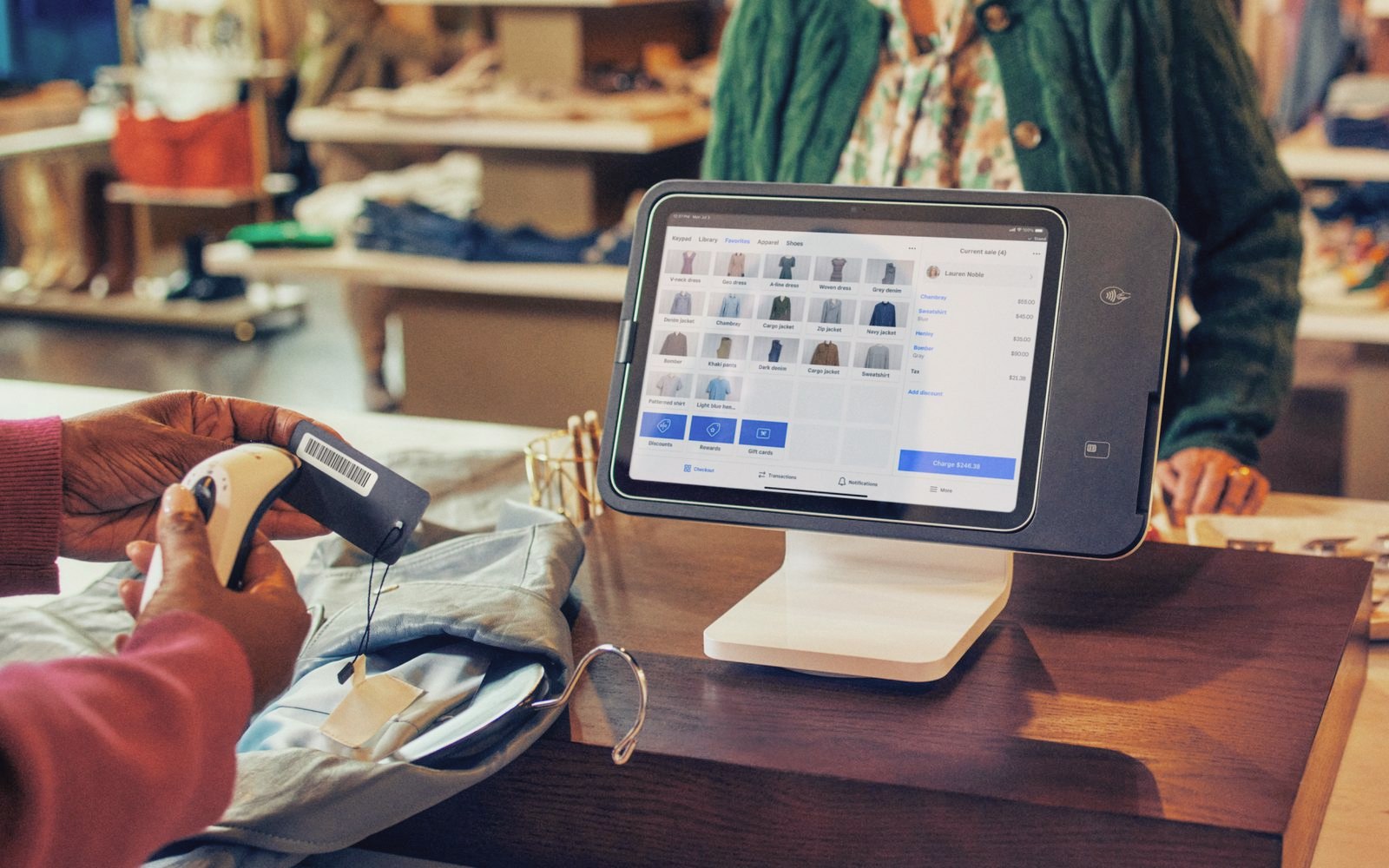
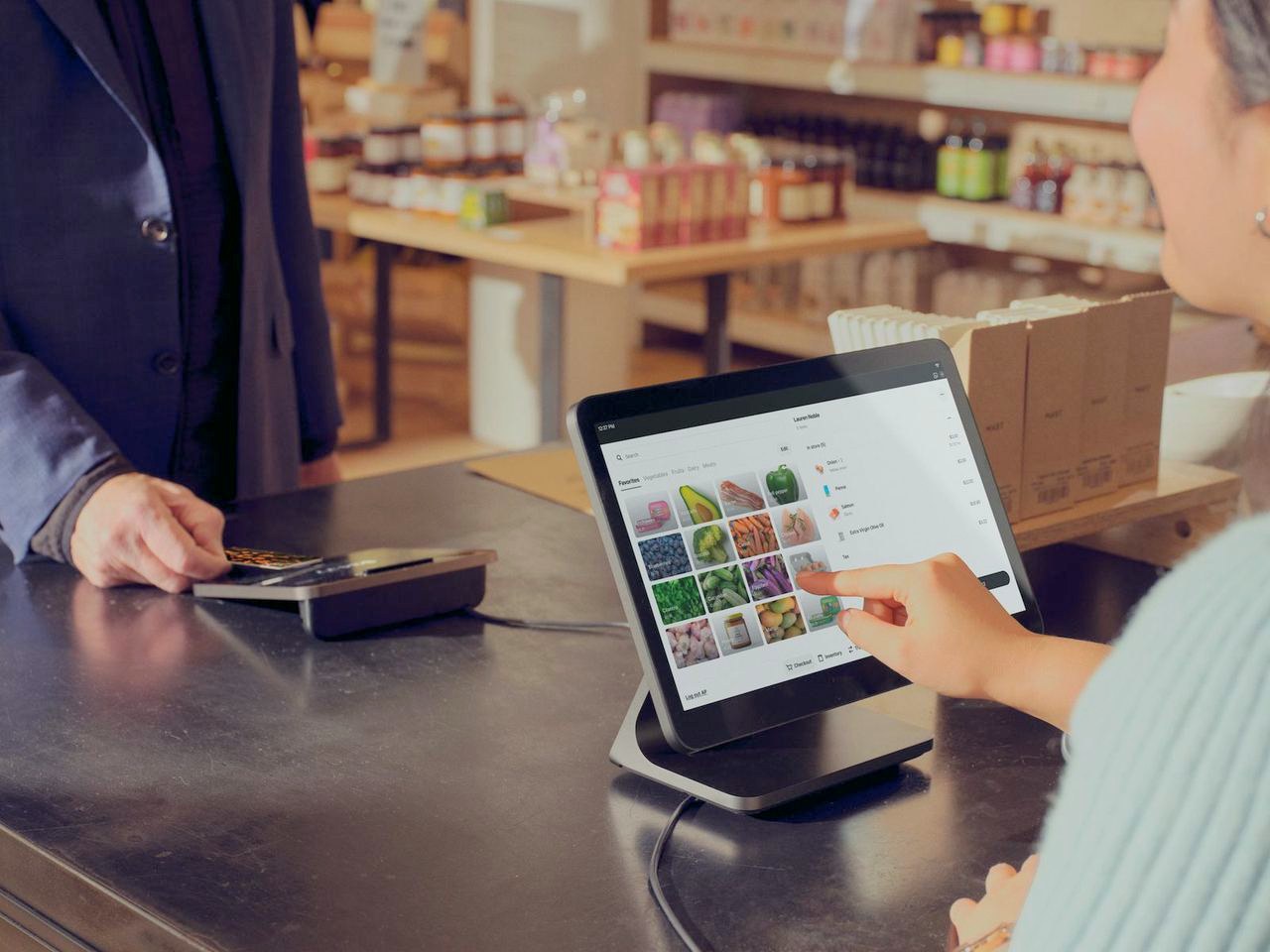
An associate scans a price tag beside a Square Stand (2nd generation) on a boutique counter
Behind the counter

Tools that grow with you

Inventory, team scheduling, customer loyalty and invoicing are available as add-ons, so the tools you need later come from the same account.

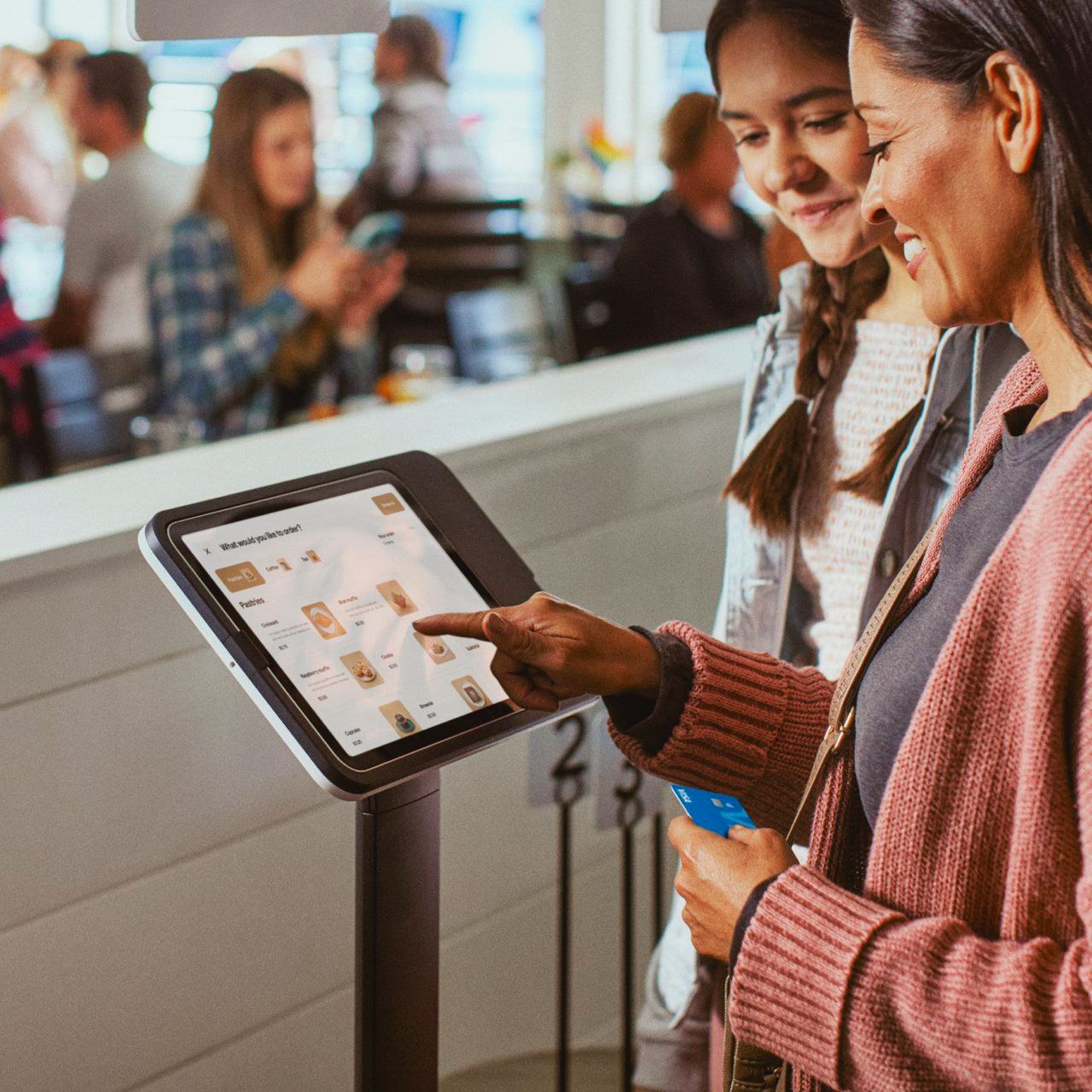
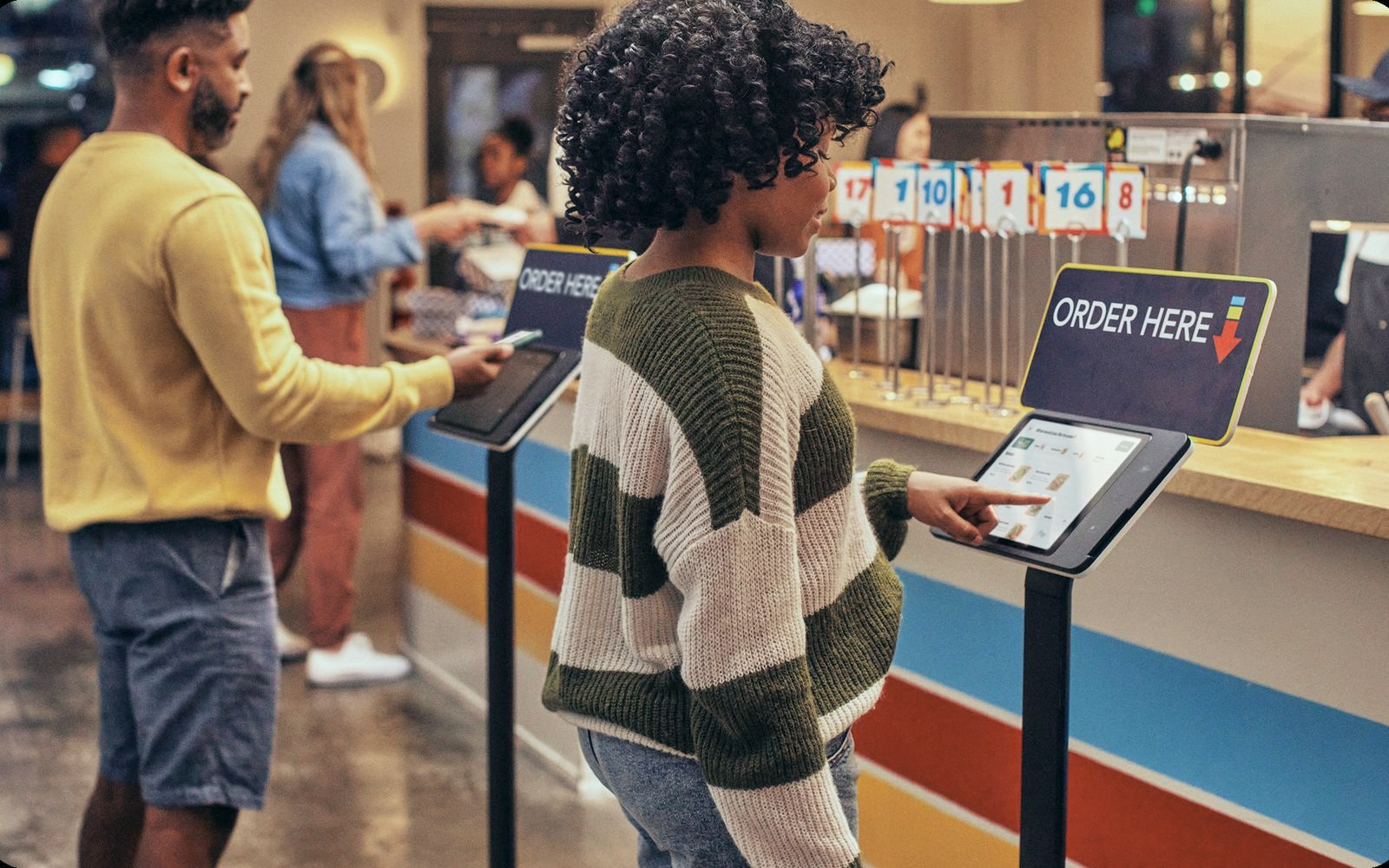
Guests order at two Square Kiosks on floor stands under Order Here signs in a quick-service restaurant
Your kind of business

Set up for how you sell

Square has setups for retail shops, full-service restaurants, quick service and selling online.

See Square in a business like yours.

Pick the one closest to yours. Vinny shows you that setup on the demo.

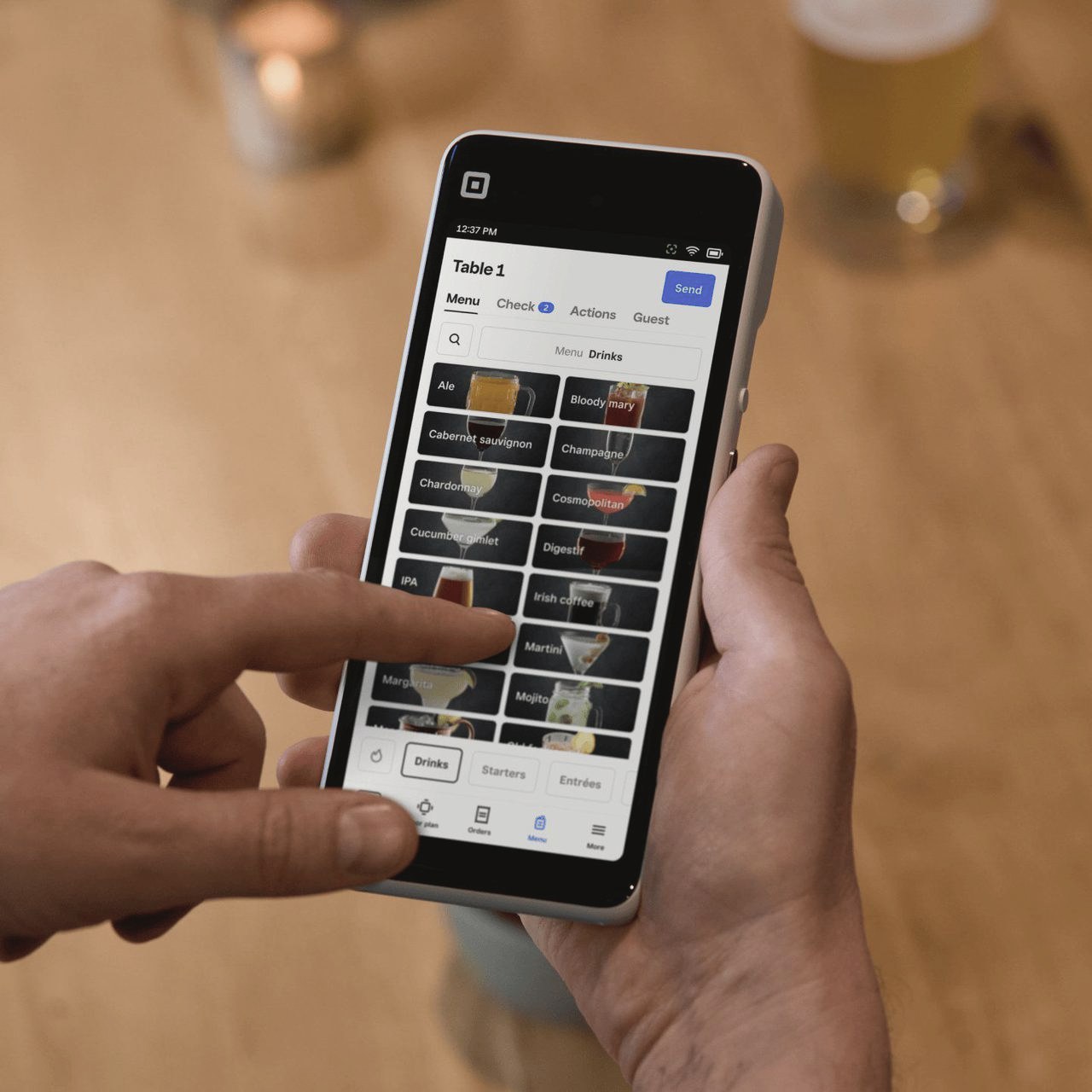
Hands entering a drinks order on a Square Handheld at a bar table
Square Handheld at the table

Full-service restaurants

Servers take the order and the payment at the table on a Square Handheld, and a Square Register runs the bar or the host stand.

What you'd use
Square Handheld, Square Register
We handle
Installation on site, your menu built in Square, staff training before you open
See it on the demo

Six devices, and help picking the right ones.

Every current Square device is available through Vivid Commerce. Not sure what fits your counter? That is the first thing Vinny covers on the demo.

At the counter

A register customers pay at, and everything around it.

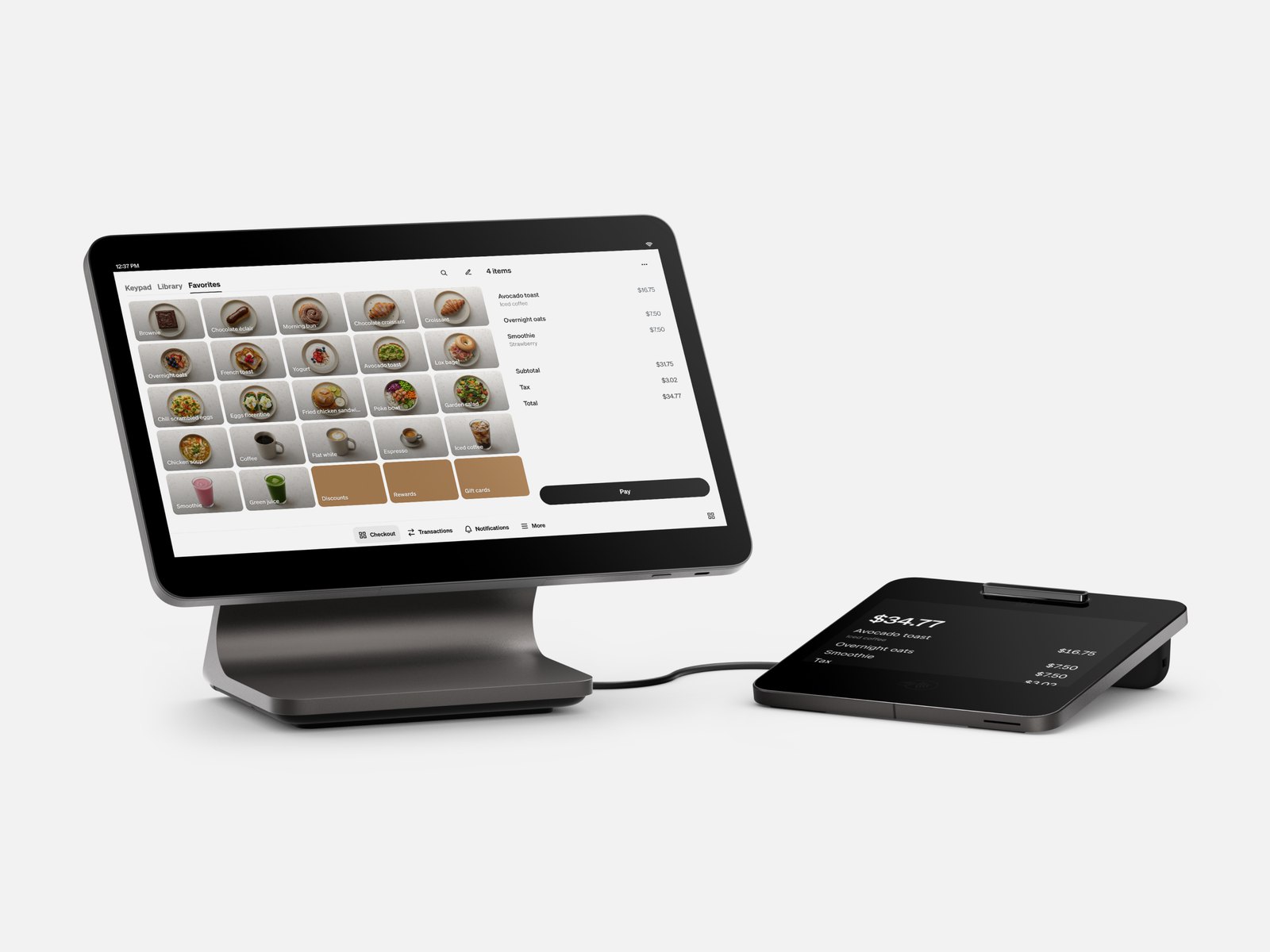
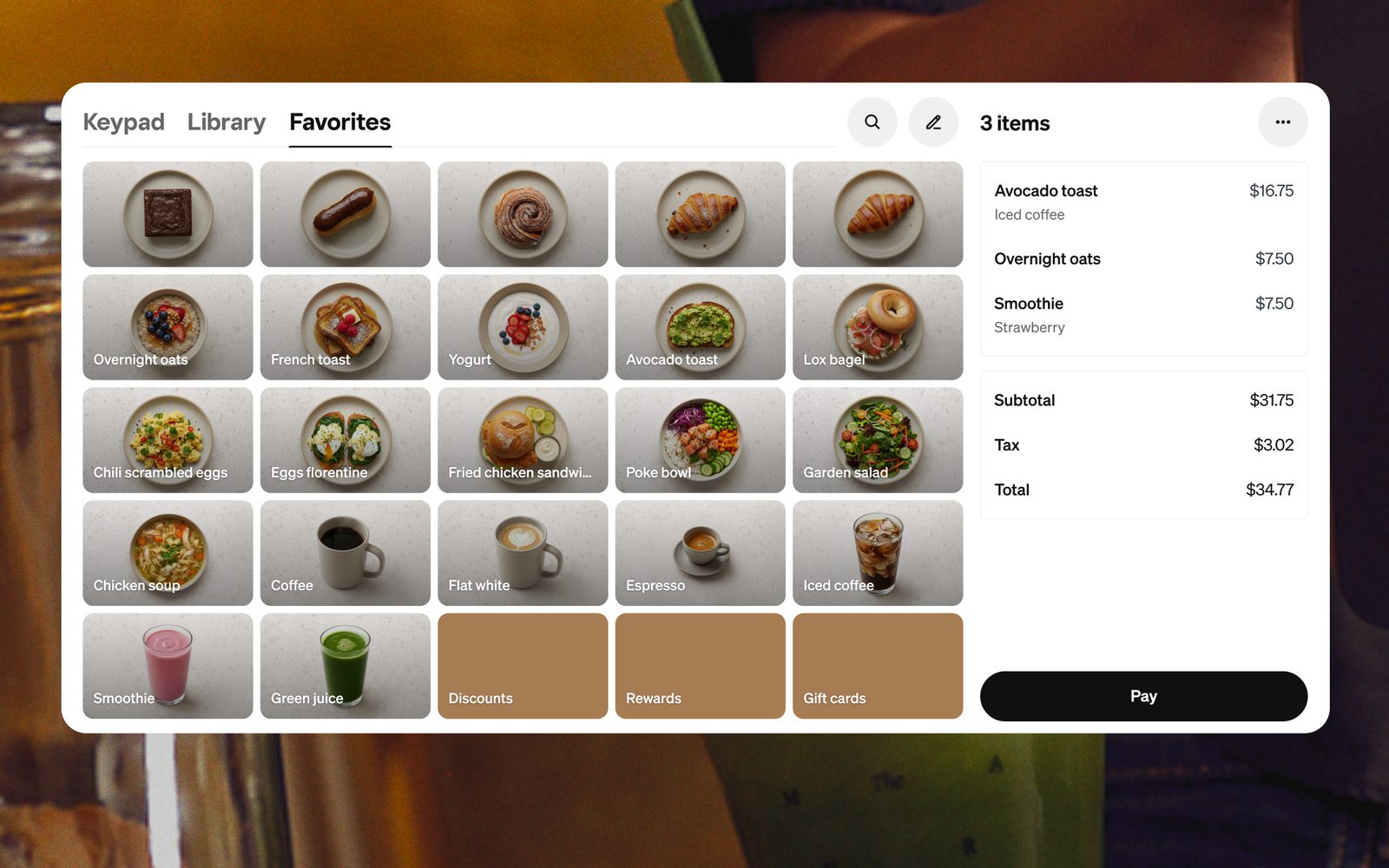
Square Register (2nd generation): the staff screen showing a cafe menu and the customer display beside it

Square Register

A dual-screen counter register: your screen plus one facing the customer, with payments built in and no tablet needed.

Good for: full-service restaurants and retail counters.

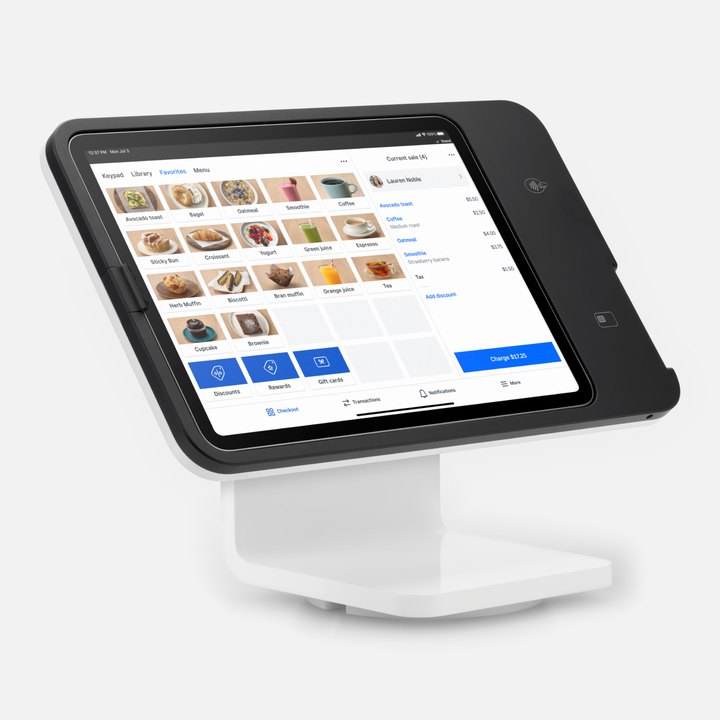
Square Stand (2nd generation) holding an iPad that runs the point of sale

Square Stand

Turns an iPad you already own into a point of sale that takes tap, chip and swipe.

Good for: new openings and second locations.

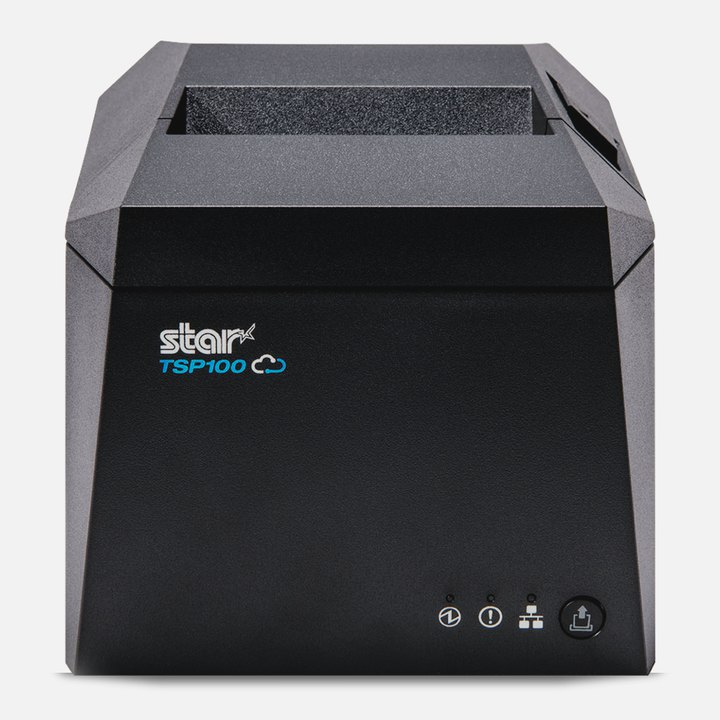
A receipt printer that works with Square

Printers, cash drawers and scanners

Receipt and kitchen printers, cash drawers and barcode scanners that work with Square.

Good for: retail counters and kitchens that print tickets.

On the floor and on the go

Payments that go to the customer.

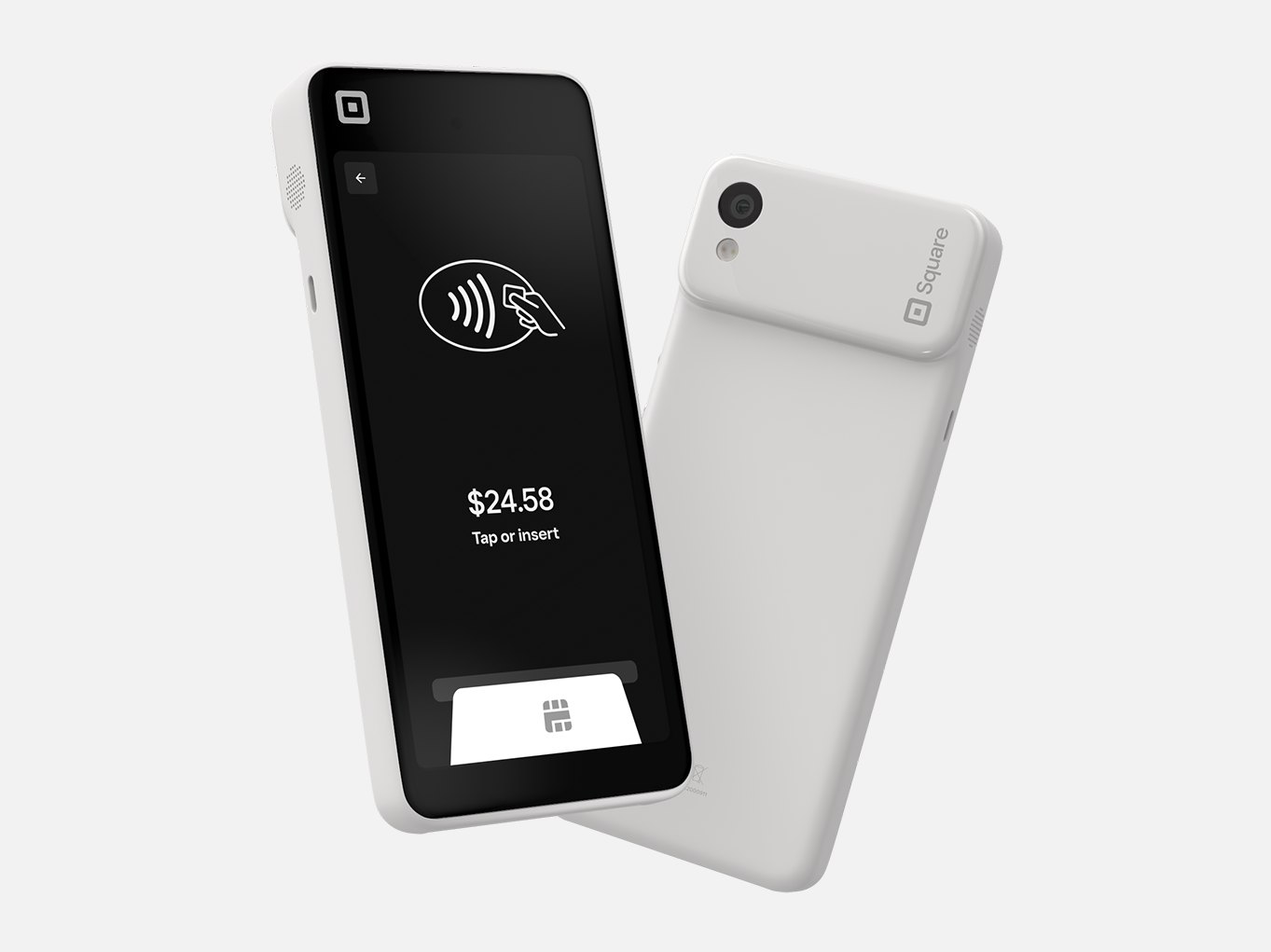
Square Handheld from the front, showing a tap or insert payment screen, and from the backNewest

Square Handheld

A pocket-sized point of sale with payments built in.

Good for: tableside ordering, busy lines and the sales floor.

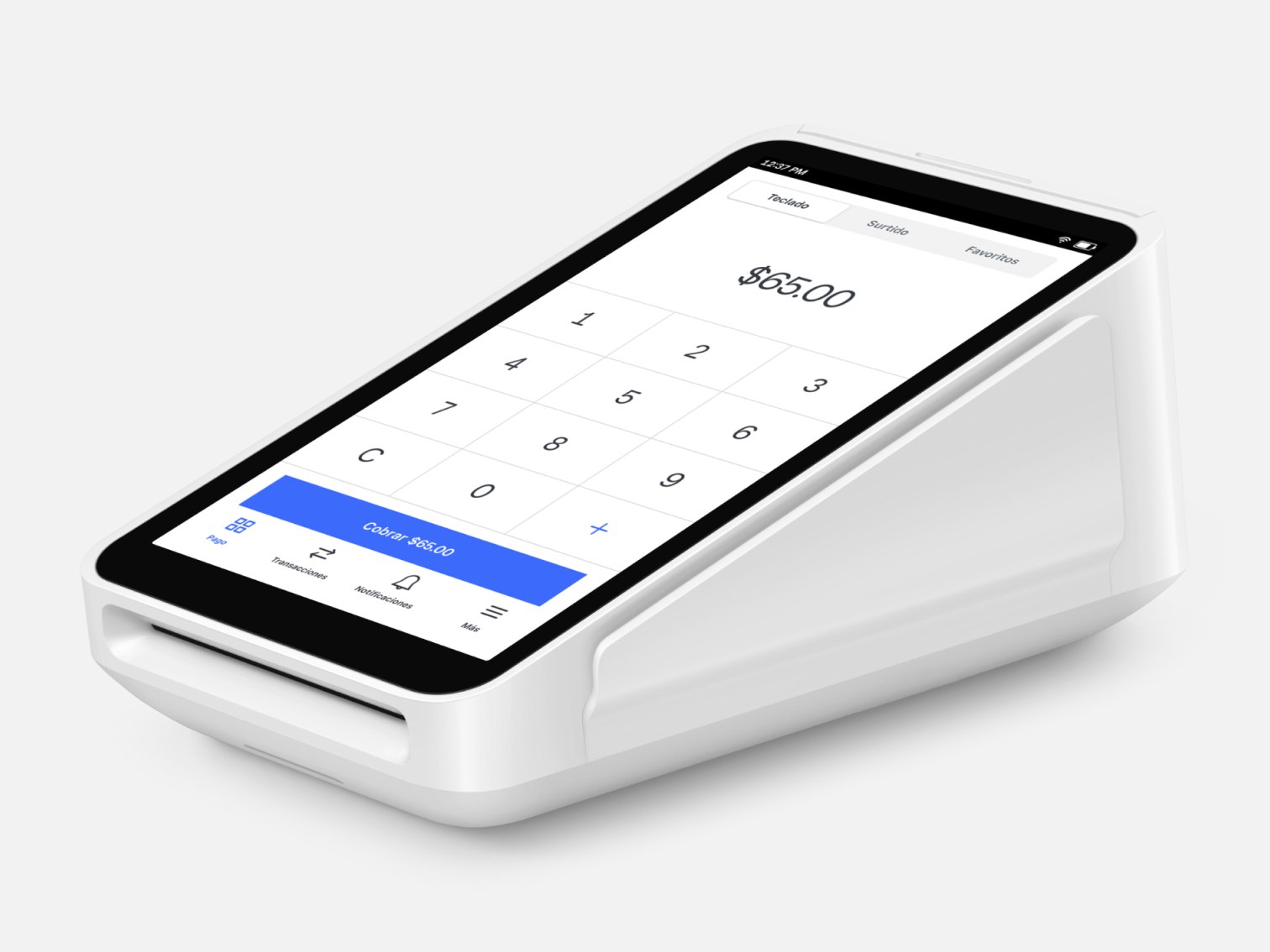
Square Terminal showing its payment keypad

Square Terminal

A portable all-in-one card machine with a built-in receipt printer.

Good for: counter service, mobile businesses and replacing a rented terminal.

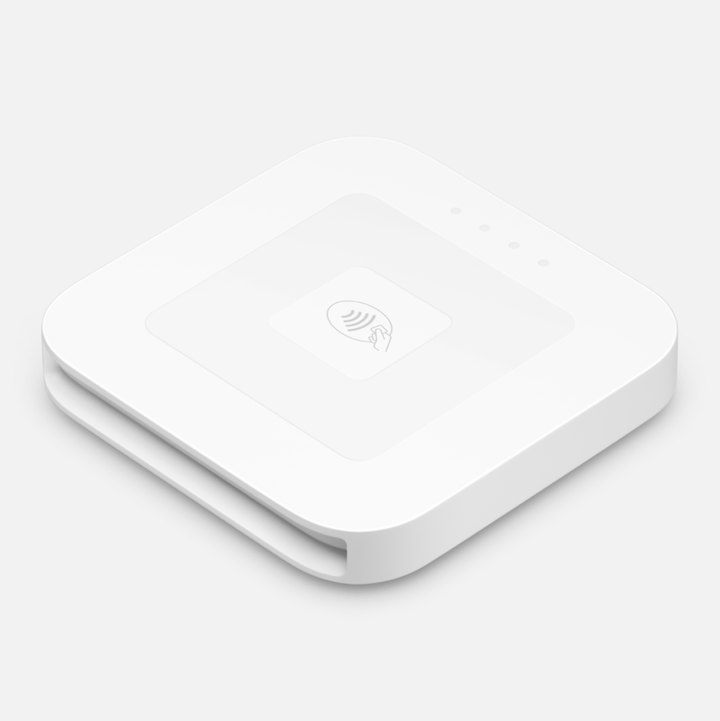
Square Reader (2nd generation) for contactless and chip

Square Reader

A contactless and chip reader, the lowest-cost way to start taking cards.

Good for: new businesses and market vendors.

Self-serve and the kitchen

Fewer lines out front, no paper tickets in back.

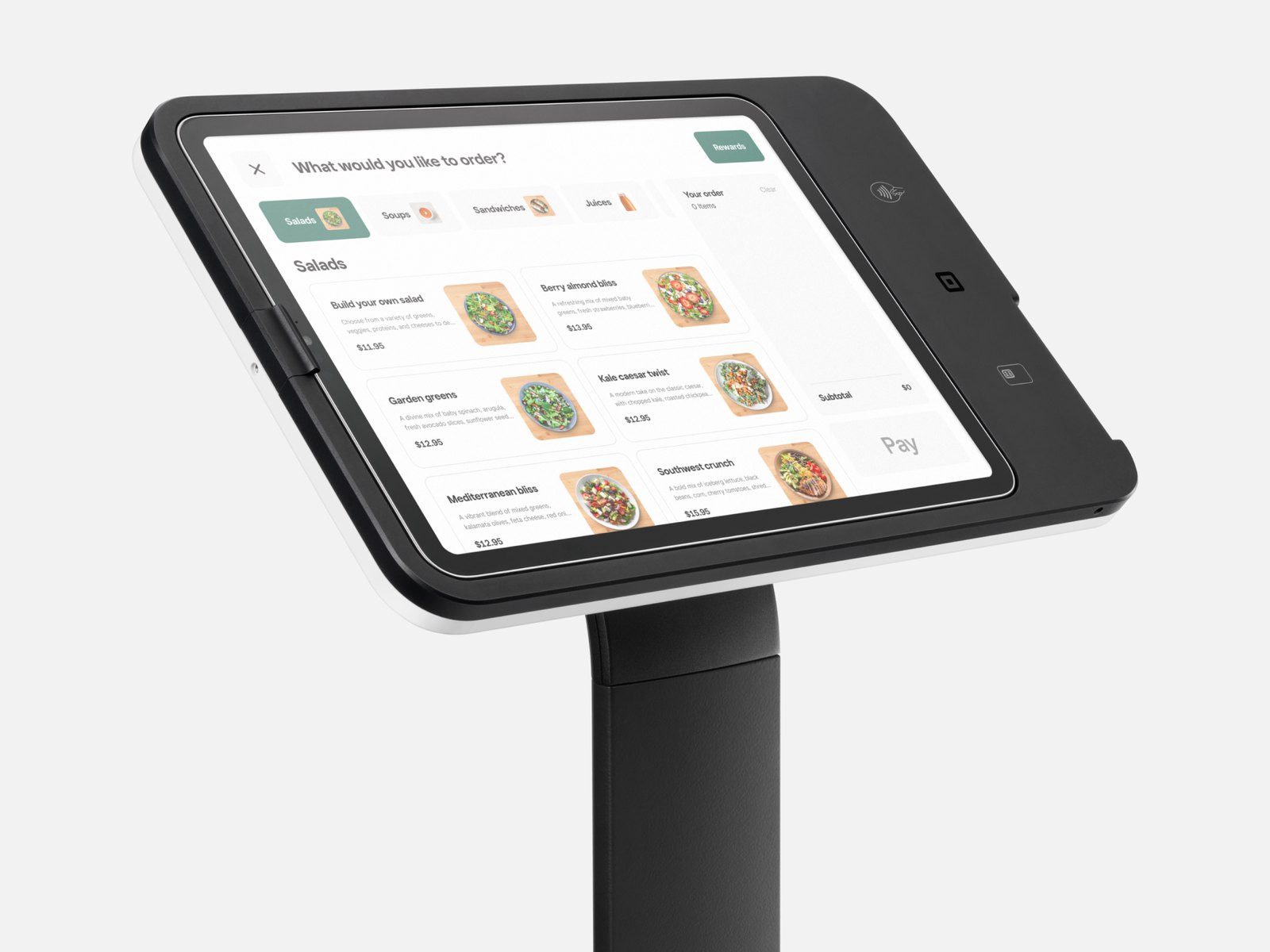
Square Kiosk on a floor stand showing a self-order menu

Square Kiosk

Self-service ordering, so customers order and pay on their own.

Good for: quick service and the lunch rush.

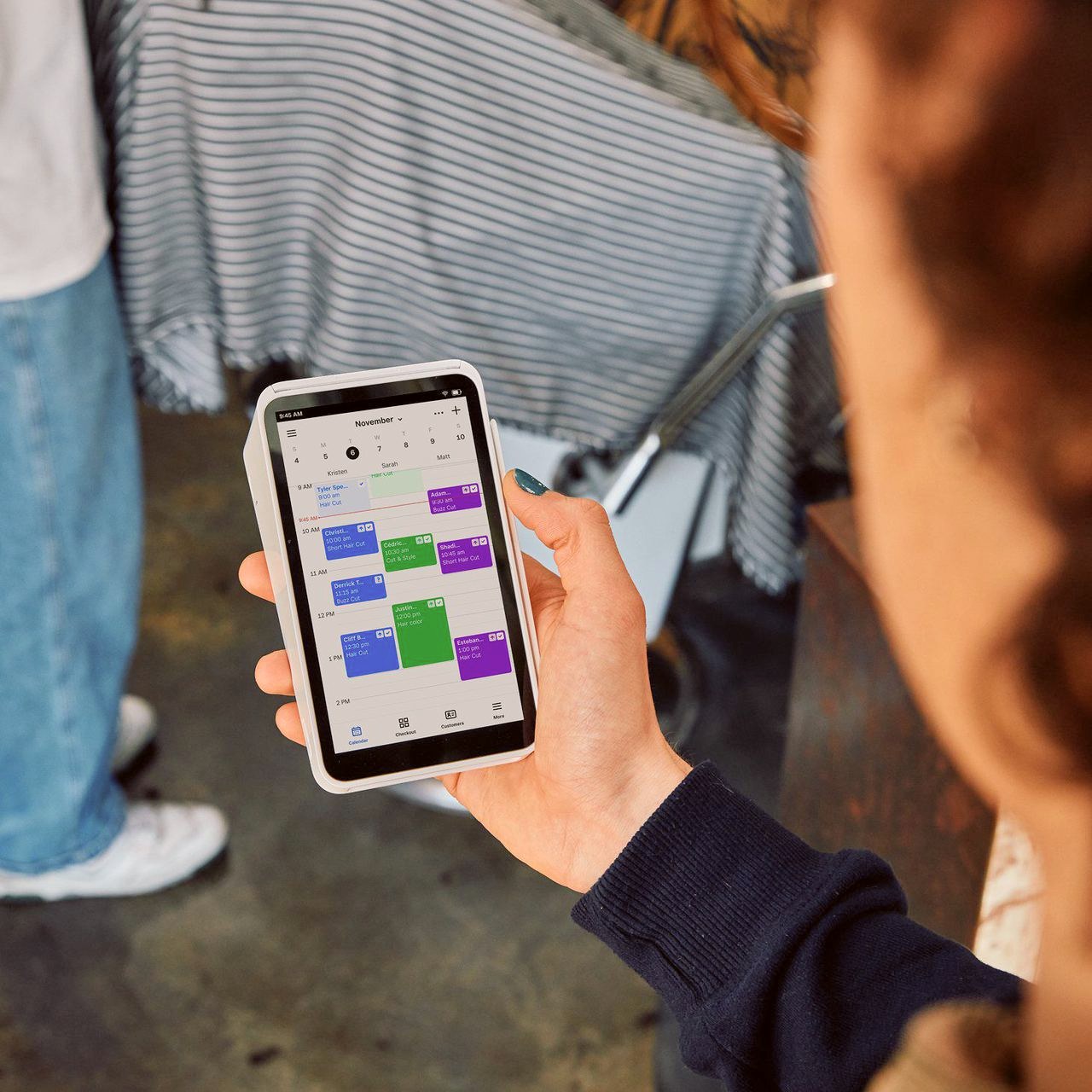
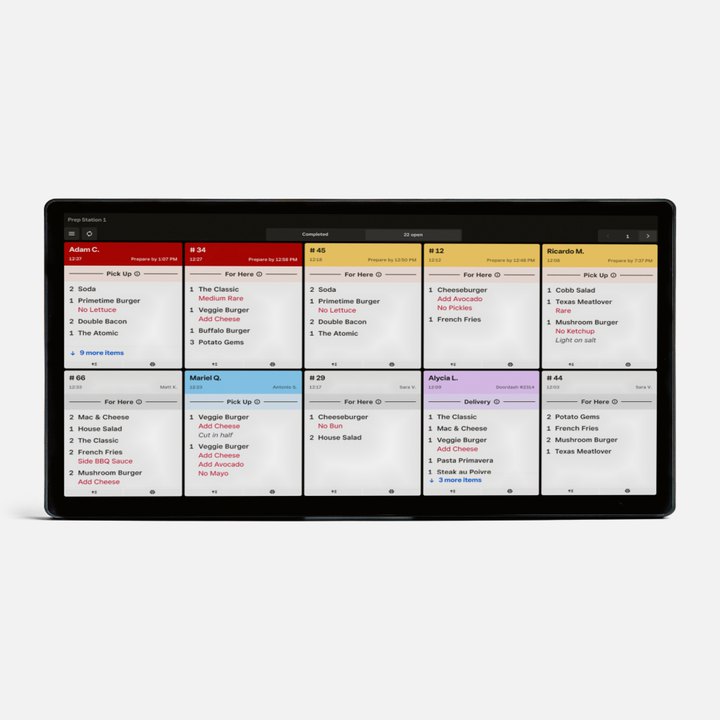
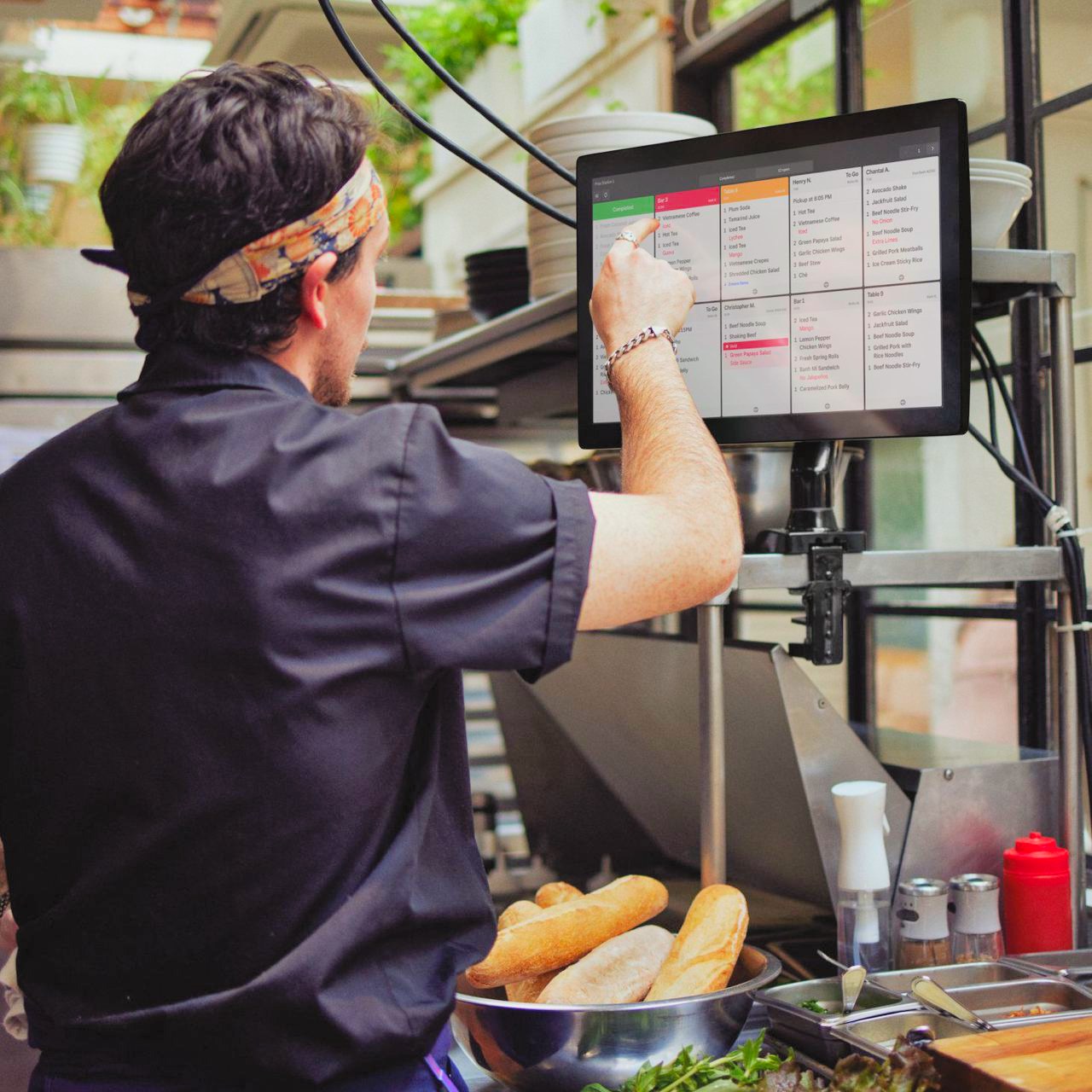
A Square kitchen display showing open order tickets

Square KDS

Kitchen screens that show each order the moment it is placed, in three sizes.

Good for: restaurants with a busy kitchen.

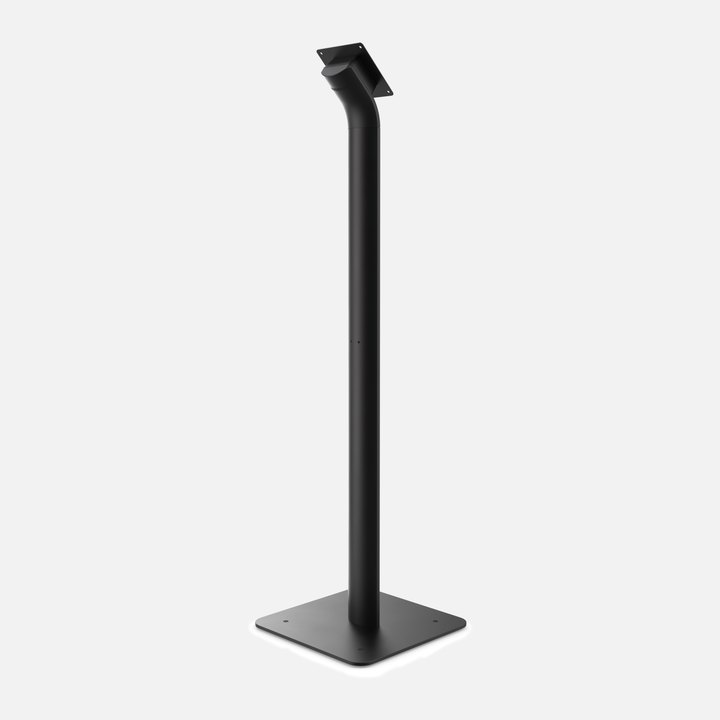
A black floor stand for Square Kiosk

Kiosk stands and mounts

Floor stands and wall or counter mounts that put Square Kiosk where the line forms.

Good for: quick service and busy entrances.

Square lists every device and its price at squareup.com. Vinny helps you choose, so you only buy what your business will use.

$0hardware cost if you qualify
Free hardware placement

Square hardware at no cost for busy businesses.

Businesses processing over $100,000 a month in card sales may qualify to have Square registers and handhelds placed at no cost. Share your monthly card sales when you book and Vinny will check.

Check if I qualify

You don't have to set it up on your own.

Buying the hardware is the easy part. Vivid Commerce installs it, builds your menu and trains your team, so you open on Square ready for real customers.

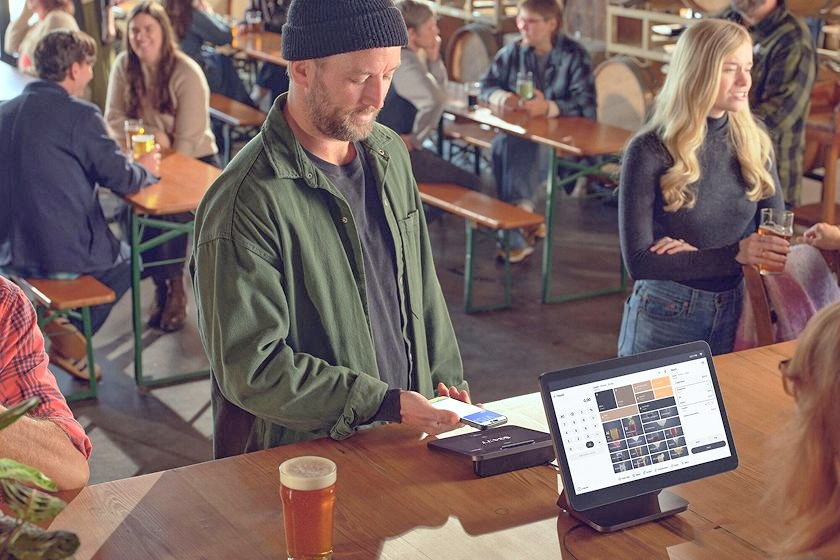
A customer pays by phone at a Square Register (2nd generation) in a busy taproom

Sales Support

A Square specialist who answers your questions before you commit. That is Vinny.

A Square Register installed on a cafe counter while staff serve customers

Nationwide Onsite Implementation

A technician installs your hardware on site, in all fifty states.

A full cafe menu built on the Square Register staff screen

Menu Build Services

We build and set up your full menu in Square before you go live.

A line cook tapping a ticket on a Square kitchen display

Software Training

Your staff learns the system before the first customer walks in.

A bartender checking an order on a Square Handheld behind the bar

Go-Live Support

Our team is with you on launch day and after it.

Installed, menu built, staff trained, live. Every business needs a different mix. Vinny scopes yours on the demo.

Pricing

Two ways to price, and no long contract.

Square with Vivid Commerce is month to month. You choose between Square's standard processing rates and a Cash Discount program, a flat rate that offsets the cost of processing. Vinny walks through both with your numbers on the demo so you can compare.

Square publishes its standard rates at squareup.com/pricing.

At a glance
ContractMonth to month
Ways to priceStandard rates or Cash Discount
Who approves your accountSquare
Where we workUnited States and Canada
Book a demo

Meet Vinny, then decide.

Vinny Pellegrini, Account Executive at Vivid Commerce

Vinny Pellegrini

Account Executive

Vinny is the Square specialist at Vivid Commerce. He shows you Square on a business like yours, answers the pricing questions and stays with you through sign-up.

Tell us about your business

A few details so the demo is about you, not a generic tour.

Vinny replies to set a time

Within one business day, by email or phone.

See it, ask, decide

No pressure either way.

Request a demo with Vinny

Free, and about your business.

We reply from sales@hellovivid.com. By submitting you agree that Vivid Commerce may contact you by email or phone about Square. We use your details only to answer you and never sell them. See our Privacy Policy.

Already know you want Square?

Skip the demo. Leave your details and Vinny sends your Square sign-up link, helps you choose a way to price and plans your setup with you.

Vinny replies within one business day from sales@hellovivid.com. We use your details only for your Square sign-up. Privacy Policy.

What owners ask before they switch.

Does the demo cost anything?

No. The demo is free and there is nothing to sign. You decide afterwards whether Square is right for your business.

What does Square cost?

Square with Vivid Commerce is month to month, with two ways to price your card processing: Square's standard rates, which Square publishes on squareup.com, or a Cash Discount program, a flat rate that offsets the cost of processing. Vinny walks through both on the demo.

Which hardware do I need?

It depends on how you sell. A counter-service cafe might run on a single Square Terminal, while a full-service restaurant might pair a Square Register at the counter with Square Handhelds on the floor. Choosing the right setup is the first thing Vinny covers on the demo.

Can I get Square hardware at no cost?

Possibly. Businesses processing over $100,000 a month in card sales may qualify to have Square registers and handhelds placed at no cost. Share your monthly card sales when you book a demo and Vinny will confirm whether you qualify.

Do you install it and train my staff?

Yes. Vivid Commerce provides onsite installation in all fifty states, builds your menu, trains your staff before you open and supports you on launch day. Vinny scopes what your business needs on the demo.

Who approves my account?

Square reviews and approves every business. We start your setup early so you are installed and trained by the time you go live.

I already use another system. Can I switch?

Yes. Tell us what you use today when you book. Vinny covers what moving to Square looks like, and our team builds your menu in Square before launch day.

Why go through Vivid Commerce instead of signing up with Square directly?

It is the same Square and the same hardware. Through Vivid Commerce, an official Square Partner, you also get a named person to call and a team that installs your hardware, builds your menu and trains your staff.

Where do you work?

With businesses in the United States and Canada.

See Square on your business before you decide.

A free demo with Vinny, your questions answered, and help choosing the hardware and pricing that fit.

Book a demo with Vinny